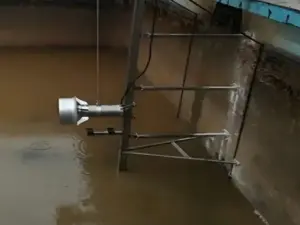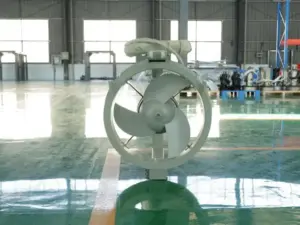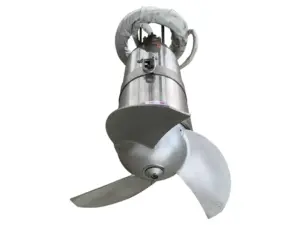
Submersible mixer installation should follow the exact model’s instructions, the approved tank layout, and the specified mounting system. Review positioning, brackets, cable routing, and retrieval access together, then log the checks and open items before handover.
A unit can fit its working position and still have no clear route through the inspection hatch. Equally, a guide rail shown on one drawing may belong to a different mounting package. Resolving those conflicts early gives the installation team a clearer job to carry out.
This guide organizes submersible mixer installation around the files and decisions a project team needs. It covers layout review, matched accessories, access, and handover records. Dimensions, fixing details, and electrical settings remain tied to the supplied model and project files.
Key Takeaways
- Match the mixer, manual, mounting parts, and layout by exact model and revision.
- Review the working flow path and the equipment retrieval path as separate routes.
- Check operating liquid levels when reviewing the proposed position.
- Use complete assembly data for access and lifting review, not propeller diameter or catalog mass alone.
- Keep inspection records, drawing changes, and unresolved items visible at handover.
Preparing the installation scope? Start with Kairun’s model specifications, then collect the matching drawings and accessory list. For the wider equipment decision, see the submersible mixer overview and selection background.
Submersible Mixer Installation Starts With the Right Documents
Identify the exact equipment and mounting package
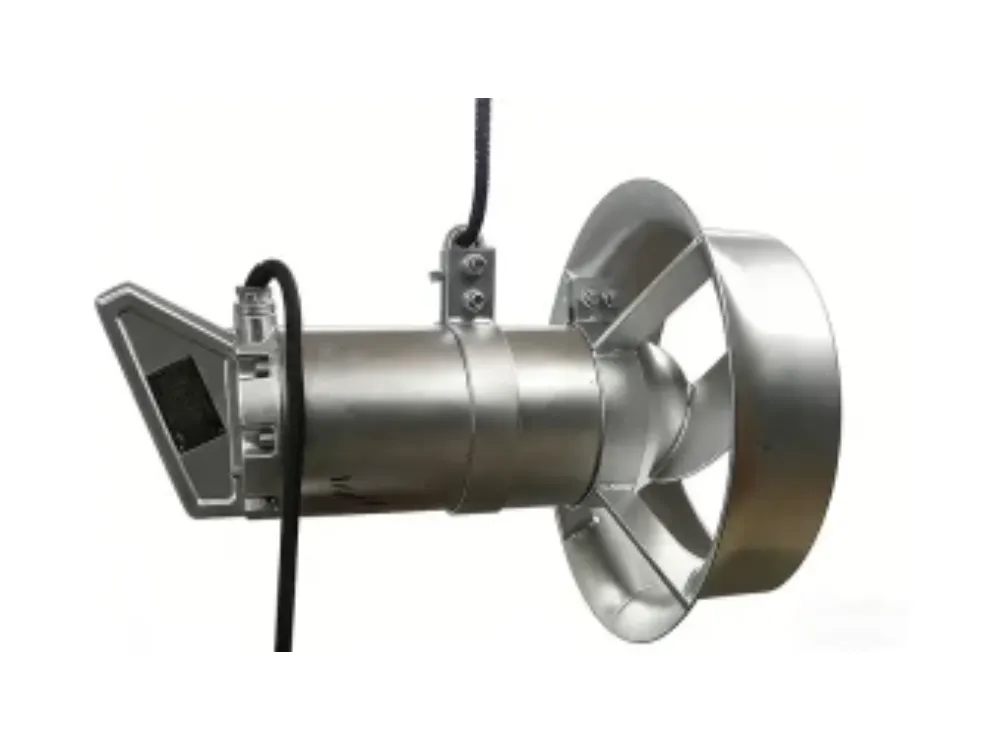
Log the model and the setup in the purchase files. Then match them to the equipment ID and the supplied manual. A product-family name is useful context, but it doesn’t identify every bracket, propeller, or accessory option.
For submersible mixer installation, list the mounting package with the mixer. Separate supplier items from site items. Mark any missing rail, bracket, lifting device, or cable support before the team plans the work.
File checks for submersible mixer installation
| Item to match | Log to use | Question to resolve |
|---|---|---|
| Mixer identity | Model, setup, and equipment ID | Does the manual cover this exact unit? |
| Tank layout | Approved plan and section drawings | Are the liquid levels, obstacles, and position current? |
| Mounting system | Accessory list and assembly drawing | Do the bracket, guide, and fixings belong to the same package? |
| Electrical interface | Model and control-system files | Which needs must the responsible electrical team verify? |
| Retrieval layout | Assembly envelope and lifting/access plan | Can the complete unit follow the intended route? |
| Handover scope | Project inspection and document needs | What must be recorded before acceptance? |
Use the agreed revision of each document. If the layout changes, check whether the mounting drawing must change too. Keep old versions marked so the team uses the same work pack for submersible mixer installation.
Illustrative scenario: A buyer has selected a mixer, but the mounting drawing supplied with the first proposal shows another accessory package. The project team pauses the drawing review and obtains the matching document. This is an example of closing a document gap, not a reported installation or customer outcome.
The practical output of this stage is a matched work pack. It should identify the equipment, the drawings being used, the supplied parts, and the person responsible for resolving each remaining item.
Review Positioning and the Working Flow Path
Start with the actual tank layout
Review the proposed position on both plan and section drawings. Mark inlets, outlets, dividing walls, columns, pipework, and other equipment. Log the operating liquid levels rather than relying only on the tank’s structural height.
In submersible mixer installation, position and direction need to be discussed against the mixing task. Xylem’s review of wastewater mixing challenges treats mixer placement as a decision involving the tank layout, duty, and liquid properties. Use those categories to organize the review without transferring another brand’s control features or performance claims to the proposed unit.
Check the liquid level used in the proposal
Kairun’s product guidance states that its mixers must be fully submerged during operation. Match the proposed location to the matching model instructions and the project’s liquid-level range. Don’t infer that a position acceptable at the normal level is also approved at the lowest operating level.
If the model or duty has changed, revisit the layout assumptions. The submersible mixer sizing guide explains the input needed for that earlier design review. Submersible mixer installation should use its agreed outputs rather than silently changing the equipment count or position in the field.
Find the source of every height and angle
Identify the document that defines the position, orientation, and required clearances. That might be a model-specific instruction or an approved project drawing. Log the reference beside the installation plan so the team can see where each requirement comes from.
There is no universal height or angle supplied by this guide. A value shown for another manufacturer’s mixer or another mounting option is not a Kairun installation requirement. Keep any unresolved dimension open until the correct document or approval is available.
For an existing settling problem, describe the observation before assuming a new position will solve it. The guide to sludge suspension and dead zones provides related process context. Keep that observation separate from the approved installation layout.
Match Guide Rails, Brackets, and Retrieval Access
Treat accessories as a matched system
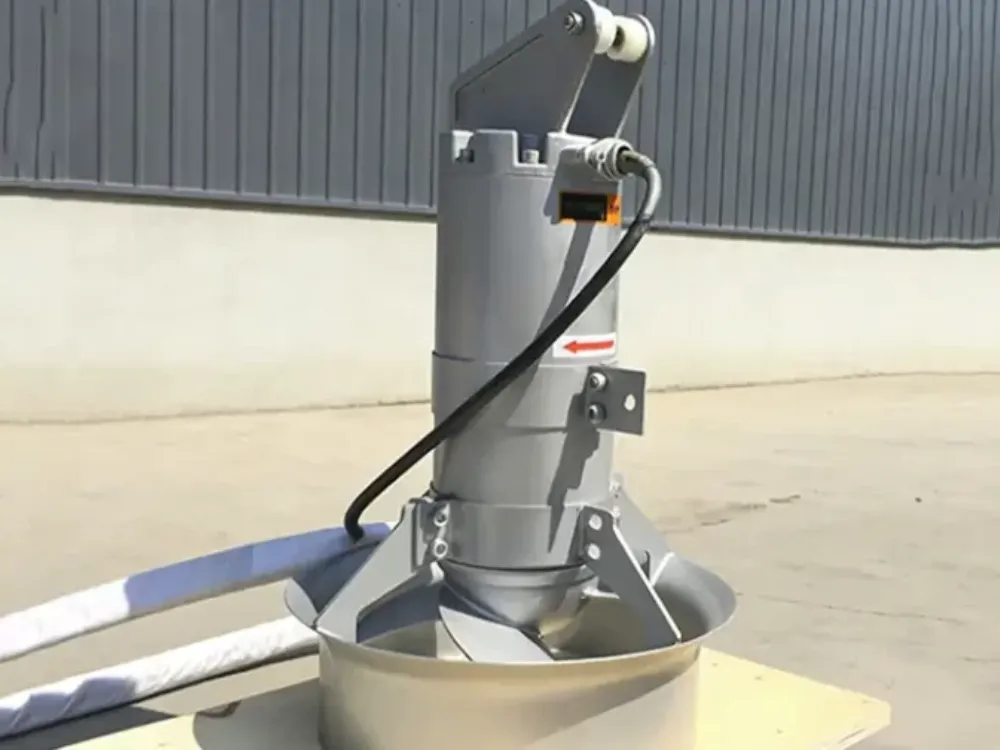
A rail or guide tube, bracket, and mounting layout must be reviewed as the specified assembly. KSB’s mixer explanation describes guide-bracket and rail layouts that support positioning and withdrawal. It is useful context for the parts involved, not proof that every Kairun model uses the same system.
For submersible mixer installation, use the accessory drawing to identify each part and its relationship to the unit. Don’t substitute a similar-looking bracket without the required review. A drawing showing an optional adjustment feature does not establish that the feature is present on the supplied package.
Sulzer’s official installation instructions illustrate why product and accessory distinctions matter. The document covers different equipment and mounting options. Its specific angles, fasteners, and guide dimensions apply to its stated configurations, not to Kairun QJB equipment.
Separate catalog data from installation dimensions
The following values come from Kairun’s published mixer table, checked October 14, 2026:
| Model | Catalog weight | Propeller diameter |
|---|---|---|
| QJB0.85/8-260/3-740/C/S | 55 kg | 260 mm |
| QJB2.2/8-320/3-740/C/S | 110 kg | 320 mm |
| QJB4/12-620/3-480/S | 184 kg | 620 mm |
These values help identify the model and the data to request. They do not establish the full assembly envelope, the required hatch size, or a lifting system’s design load. The last model also has a published thrust value of 1,200 N; that catalog figure is not a structural design load for its brackets or anchors.
Keep the complete assembly drawing and matching load data in the submersible mixer installation work pack. Include the parts fitted during retrieval, not just the propeller. Review the actual delivery setup where it differs from a catalog illustration.
Trace two routes through the layout
The working route concerns the proposed liquid movement around the tank. The retrieval route concerns how the equipment reaches the service area. Review both without treating one as evidence that the other is satisfactory.
| Route | Items to review | Required output |
|---|---|---|
| Working flow | Inlets, outlets, partitions, equipment, and stated mixing duty | Approved layout with its design assumptions |
| Retrieval | Installed assembly, hatch, fixed obstructions, lifting route, and inspection space | Matched access and retrieval layout |
Illustrative scenario: A proposed position fits the tank plan, but fixed pipework crosses the route through the service hatch. The team checks the complete assembly dimensions and resolves the access conflict in the drawings. No lifting capacity, alternative angle, or installed result is invented in this example.
That review gives submersible mixer installation a clear access log. Keep it with the mounting files so a later model or accessory change triggers a check of both routes.
Need to review the mounting scope? Send Kairun the model ID and installation drawings, including the proposed accessories and retrieval route. State which details are confirmed and which still require a matching document.
Coordinate Cable Routing and Pre-Commissioning Checks
Show the cable route in the work pack
Identify the supplied cable, its route, and the supports shown in the model and project files. Review that route with the moving equipment and retrieval layout. Log the matching needs rather than deriving a cable length or support spacing from a photograph.
Submersible mixer installation also needs a clear electrical scope. Give the qualified electrical team the model ID and matching control files. The team must check connections and protection against the supplied instructions and the site’s requirements.
Allocate submersible mixer installation checks
| Review area | File or log | Responsibility to identify |
|---|---|---|
| Mechanical assembly | Matched parts and mounting drawing | Who confirms the supplied setup? |
| Tank position | Approved layout and liquid-level data | Who resolves layout changes? |
| Cable and controls | Model instructions and project electrical files | Who checks the electrical interface? |
| Access and retrieval | Complete assembly and site access plan | Who confirms the removal layout? |
| Commissioning scope | Model instructions and project inspection needs | Who performs and records the specified checks? |
Use the table to assign responsibility, not to replace the actual instructions. Submersible mixer installation should not leave an unresolved check hidden between supplier and site scopes. Give each open item an owner and an agreed log for closing it.
Log Submersible Mixer Installation and Handover
Keep the installed layout traceable
Log the equipment identity, the drawings used, and any approved changes. Keep the installation log separate from a proposal that was superseded. If a bracket, position, or accessory changes, update the matching document reference rather than leaving the difference in an email thread.
A useful submersible mixer installation handover includes the model-specific instructions and the records required by the project. It should also show unresolved items. A unit being present in the tank is not, by itself, evidence that every required check has been completed.
A copyable submersible mixer installation log
| Field | Project entry |
|---|---|
| Equipment identity | [Model, supplied setup, and ID] |
| Applicable files | [Manual and drawing references with revisions] |
| Installed position and mounting | [Approved layout reference and recorded changes] |
| Cable and control interface | [Relevant files and responsible reviewer] |
| Retrieval layout | [Confirmed access plan and assembly reference] |
| Required inspection records | [Log identifiers and completion status] |
| Open item | [Issue, owner, and required closing evidence] |
| Handover decision | [Responsible person and project acceptance log] |
This table is a documentation aid for submersible mixer installation, not a certificate or automatic acceptance checklist. Fill it with the actual project needs and records. Don’t mark a field complete merely because a document was requested.
Illustrative scenario: The model and layout references match, but the handover pack lacks a required site inspection log. The team marks that item open and names the person responsible for providing it. The example does not imply that an installation has passed inspection or entered service.
Close changes and open items together
When a missing log arrives, confirm that it covers the final equipment and layout. If it describes an earlier layout, resolve that mismatch before closing the item. Keep the outcome attached to the handover log so the next team can follow the decision.
That is the practical endpoint of submersible mixer installation coordination: a documented layout and a clear log of the checks carried out. Maintenance planning can then use the correct model data without reconstructing the installation history.
Submersible Mixer Installation FAQs and Next Steps
Is there one correct installation angle for every mixer?
No. Use the instructions and approved layout for the exact unit and mounting option. An angle shown for another model or bracket is not a universal requirement for submersible mixer installation.
Can I choose the hatch size from propeller diameter?
Not from that dimension alone. Obtain the complete assembly envelope and review how the unit passes through the intended route. Include the setup used for retrieval, rather than treating the propeller as the whole device.
Does catalog weight determine the lifting layout?
No. Catalog mass identifies one equipment value, but it does not establish the complete lifting-system design. Use the actual setup and the matching load and lifting files when reviewing the layout.
What if the mounting drawing and supplied parts differ?
Keep the mismatch open and obtain the correct drawing or an approved resolution. Submersible mixer installation should proceed from matched files and parts, not from a visual guess that two accessories are equivalent.
Does a running mixer prove the installation is complete?
Not by itself. The project must still have the specified inspection, document, and handover records. A running observation does not replace the review of positioning, mounting, retrieval, or the required acceptance evidence.
What should I prepare before discussing the installation?
Collect the exact model, mounting package, approved tank drawings, operating liquid levels, and access constraints. Include the matching electrical and control files, then list missing items. That gives the supplier and site team a shared starting point.
Move from a layout to a reviewable installation pack
Keep the model, drawings, accessories, and site needs together. Review the working and retrieval routes, allocate the required checks, and log changes before handover. Avoid carrying an unconfirmed detail from a catalog image into the final work pack.
To discuss your installation scope, send Kairun the model details and tank drawings, including the accessory list and open questions. A clear submersible mixer installation request lets the team compare the proposed layout with the files that actually apply.