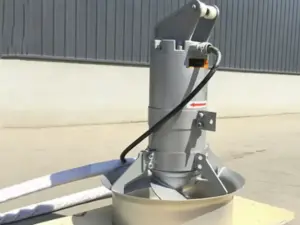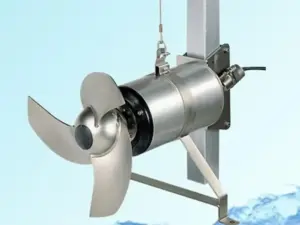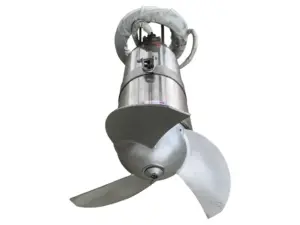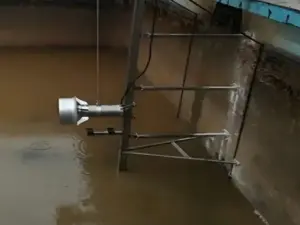
Submersible mixer troubleshooting starts by identifying the symptom, preserving the alarm and operating records, and matching them to the correct equipment manual. A mixer that will not start, trips, vibrates, or mixes poorly can need different checks. The symptom alone does not identify a failed part.
A log entry saying tripped leaves important questions unanswered. Which protection operated, when did it happen, and what was the unit doing? This guide gives you a symptom matrix and fault-report template to make the next technical review more useful.
Key takeaways
- Record the exact alarm and event order before assigning a cause.
- Separate equipment faults from changes in tank conditions.
- Leave electrical tests and mechanical inspections to the appropriate qualified personnel.
- Keep unresolved findings visible until the required review is complete.
Preparing an enquiry? Send Kairun the model and alarm records, together with the operating conditions and available equipment documents. State what is confirmed and what still needs checking.
Start Submersible Mixer Troubleshooting With the Right Evidence
Identify the unit and its documents
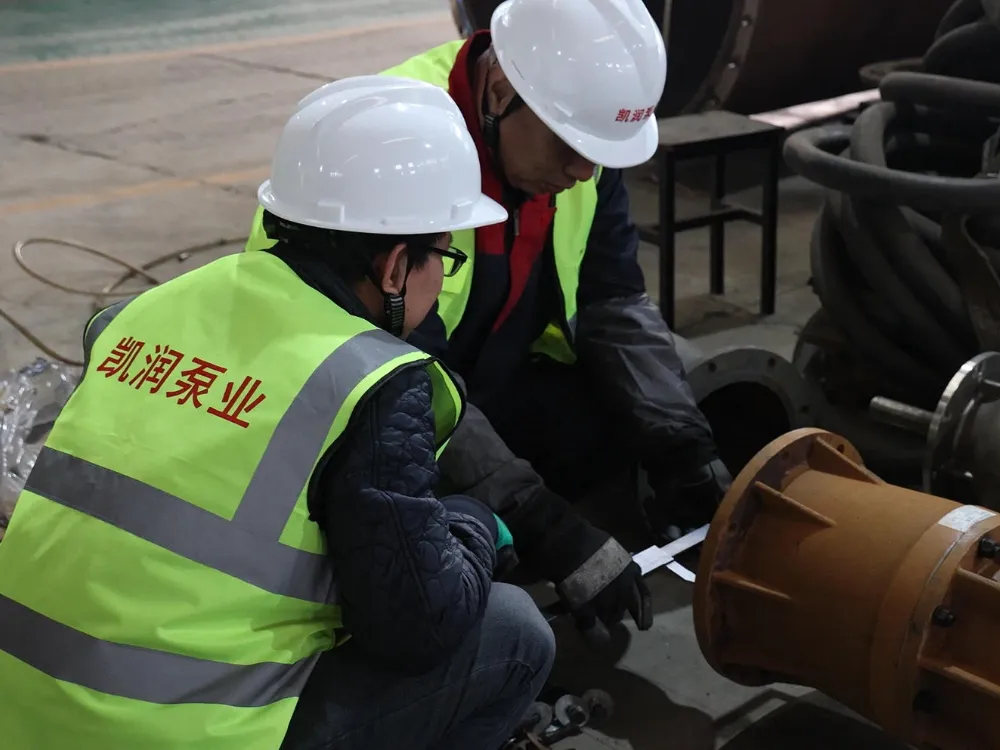
Begin with the plant asset ID, mixer model, and serial number. Attach the matching installation, operation, and maintenance manual, often called the IOM. Include the motor and control details if they are available.
For submersible mixer troubleshooting, start with the unit in the tank. Has its motor, control, or monitoring system changed? Mark those changes and ask which files now apply. Don’t assume the original purchase description still covers it.
| Information | What to capture | Why it helps the review |
|---|---|---|
| Equipment identity | Asset ID, model, serial number | Links the event to the correct unit |
| Symptom | What happened and when | Distinguishes a starting problem from a running problem |
| Alarm | Exact text or code and its source | Identifies the indication that needs interpretation |
| Operating state | Start command, recorded run status, relevant settings | Shows what the system was doing |
| Conditions | Liquid level, medium information, incoming streams | Supplies context for equipment and process checks |
| Recent work | Replacements, adjustments, cleaning, control changes | Makes changes visible without assuming causation |
The Grundfos AMD, AMG, and AFG manual, section 10, separates faults, possible causes, and remedies for its equipment. Use that distinction in the report. Do not turn another manufacturer’s fault table into instructions for a different mixer.
Separate observation from testing
Submersible mixer troubleshooting needs both useful observations and a clear work boundary. Operators can supply existing logs and approved observations. Electrical testing, opening equipment, retrieval, and mechanical inspection require the appropriate personnel, documents, and site procedures.
Do not reach toward moving equipment, open an energized panel, bypass protection, or repeatedly reset a trip to gather evidence. Record the current state and follow the equipment’s response requirements. This guide organizes the information; it does not authorize a test or restart.
Submersible Mixer Troubleshooting by Symptom
Use the matrix to choose the review path
The matrix below supports submersible mixer troubleshooting by identifying evidence and review categories. A category is a question to investigate, not a diagnosis. The actual equipment and control documents determine the required checks and response.
| Symptom | Evidence to preserve | Review categories, not confirmed causes | Appropriate review |
|---|---|---|---|
| Does not start | Command, actual status, alarm, recent changes | Supply, controls and permissive conditions, equipment state | Qualified electrical personnel and equipment supplier |
| Starts and then trips | Time of trip, protection indication, available operating records | Load, mechanical restrictions, configuration, supply | Follow the protection and equipment documents |
| Leakage indication | Sensor or alarm identification, event history, previous work | The specific monitoring arrangement and equipment condition | Qualified service assessment |
| Vibration or unusual noise | Conditions, liquid level, location, changes | Medium, flow conditions, mechanical or installation issues | Equipment and installation review |
| Weak circulation or deposits | Run status, levels, incoming streams, solids information | Flow coverage, changed duty, equipment condition | Process and equipment teams together |
Distinguish no start from a protection stop
In submersible mixer troubleshooting, a unit that never enters a running state is not the same record as one that starts and then stops. Capture that difference. If the sequence is unknown, mark it unknown rather than selecting the nearest description.
A start command doesn’t prove the motor ran. Keep the command, run-status record, and alarm as separate entries. If they disagree, leave that gap open for review.
A useful event timeline for submersible mixer troubleshooting includes:
- The last known operating state and its record source.
- The start command or change that preceded the event, if recorded.
- The first alarm shown and the later indications.
- Any response already taken, by whom, and under which instruction.
Use the original timestamps. If clocks or records differ, note the mismatch instead of creating a precise order that the evidence cannot support.
Keep the symptom separate from the part order
Avoid choosing a seal, bearing, or controller from the symptom label alone. Submersible mixer troubleshooting should produce a reviewable question before it produces an unsupported parts request. Include the evidence that led to the question and any relevant previous service findings.
Illustrative scenario: two trip records. Two work orders both say tripped, but the available logs show different protection indications. The reviewer separates the events and requests the matching equipment information. No failed part or successful repair is assumed in this example.
Review Vibration and Weak Circulation in Context
Ask what changed in the tank
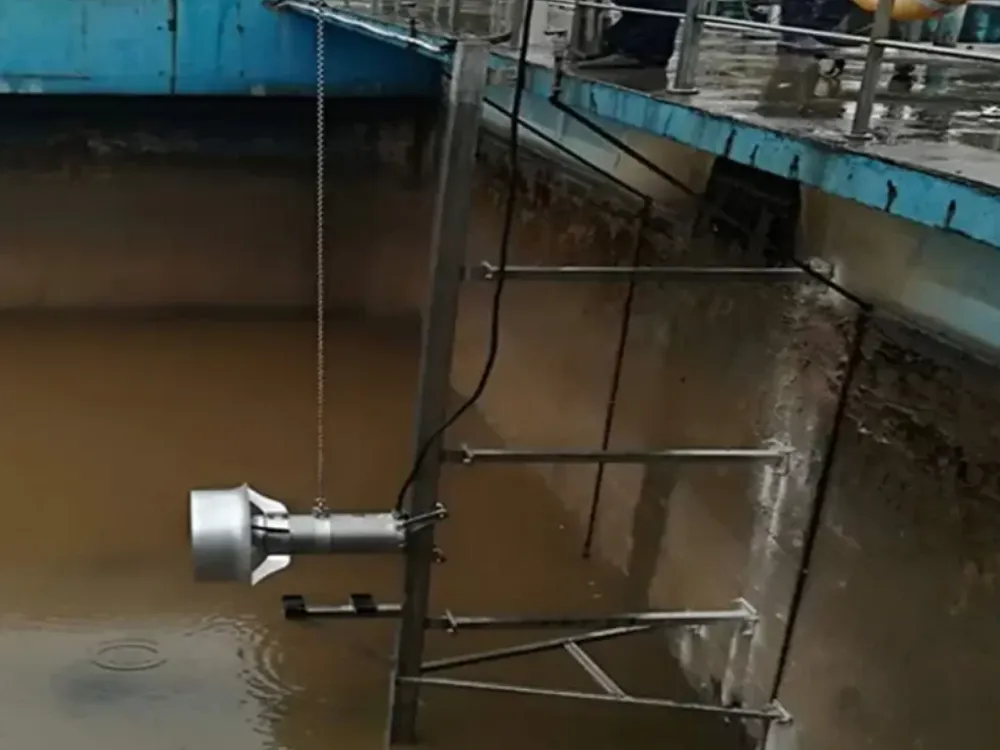
For submersible mixer troubleshooting, record liquid levels and relevant changes in the medium, incoming flows, or other equipment operation. Mark obstructions and partitions on the current tank drawing. These details help the process and equipment teams review the same conditions.
Do not treat surface motion as proof that the whole tank is being mixed. Equally, do not treat a deposit as proof of motor failure. Compare where and when the concern appears with the unit’s actual operating state.
Ask what changed in the equipment or installation
The Sulzer XRW 210–900 IOM, section 12.2.1, identifies several possible review directions for heavy vibration or uneven flow in its equipment. These include liquid coverage, air near the propeller, rotation, propeller or flow-path condition, and installation components.
That range matters to submersible mixer troubleshooting: vibration is not a one-part diagnosis. For a particular unit, use its approved instructions to determine the response and checks. Do not copy an installation angle, liquid coverage value, or test method from an unrelated model.
Show recent mounting work, equipment replacement, or layout changes in the report. Identify the documents that describe the current arrangement. A change is relevant evidence, but its timing alone does not prove it caused the problem.
Know when the question needs a process review
Weak mixing can require more than equipment inspection. In submersible mixer troubleshooting, keep the process question open when the concern is mainly uneven solids distribution or a recurring deposit. Provide level, flow, duty, and operating records alongside equipment status.
Use the separate guide to sludge deposits and circulation checks for that discussion. For access or retrieval questions, use the installation and retrieval planning guide. Neither link substitutes for the exact unit’s service instructions.
The following Sulzer video provides background on its ABS XRW mixing equipment. It is not a Kairun repair demonstration, a diagnostic test, or proof of acceptable flow in your tank.
Read Protection and Leakage Indications Carefully
Preserve the signal and event order
Protection records make submersible mixer troubleshooting more precise when the exact signal is retained. Thermal, overload, and leakage indications should not all be shortened to motor fault. Keep the original wording, code, timestamp, and source where available.
Save the order when several indications appear. Keep the earliest recorded event distinct from later messages. A missing log is not proof that no alarm occurred.
For submersible mixer troubleshooting, note who saw the indication and whether a saved record is available. A shift note and a controller event log are different sources. Keep both, with their limits, rather than silently treating them as the same evidence.
The Wilo Flumen OPTI-TR and EXCEL-TRE instructions organize faults and possible causes for specified models. Their checks include tasks for qualified personnel. That model-specific approach is more useful than assuming a generic alarm label has one meaning across every mixer.
Match the monitoring arrangement to the unit
For leakage-related submersible mixer troubleshooting, identify which sensor and monitoring arrangement are actually installed. Supply the relevant drawing or manual section when available. Do not assume that every unit monitors the same chamber or uses the same control logic.
A leakage indication is a reason to follow the required response and request assessment. It is not, by itself, enough to select a particular seal or approve opening a chamber. Preserve relevant service history and any previous changes in the monitoring configuration.
Record who authorizes the next step
Submersible mixer troubleshooting should identify the owner of each open action. Name the equipment, electrical, process, or service role that must review the evidence. Keep the response required by the applicable manual separate from a proposed repair.
For its stated fault conditions, the Sulzer manual requires the equipment to remain off when a fault is unresolved. Do not interpret an acknowledged or cleared indication as permission to restart. The appropriate team must confirm the next step under the actual equipment documents and site procedures.
Illustrative scenario: a control change. An alarm appears after a documented control change. The reviewer collects the before-and-after configuration and event records without declaring the new controller defective. The example shows a useful evidence request, not a confirmed cause.
Build a Fault Report for Qualified Service
Submit a useful evidence pack
A good submersible mixer troubleshooting report lets the reviewer distinguish facts, observations, and questions. Keep it tied to one asset and one event sequence. Attach original records where available rather than rewriting every indication in general terms.
| Report field | Information to include |
|---|---|
| Identity | Asset ID, model, serial number, installed configuration |
| Documents | IOM revision, control references, relevant drawings |
| Event | Symptom, date, first indication, subsequent sequence |
| Conditions | Run status, liquid level, medium and flow information |
| History | Recent work, replacements, adjustments, previous findings |
| Evidence | Logs, approved observations, photographs or test reports |
| Open questions | Missing data, requested assessment, responsible role |
| Next-step record | Findings, restrictions, required checks, responsible confirmation |
Where a test was already performed, include who did it and the written method. Don’t ask an unqualified person to repeat it for the enquiry.
Use clear evidence labels in submersible mixer troubleshooting:
| Status | Meaning in the report |
|---|---|
| Recorded | An identified log, approved observation, or test report is attached |
| Reported | Someone described the event, but supporting records are not yet attached |
| Unknown | The information is missing or has not been checked |
| Conflicting | Two records differ and need review |
These labels help the reviewer choose the next question. They don’t turn an observation into a confirmed cause.
Keep findings and restoration conditions together
Closing submersible mixer troubleshooting takes more than clearing an alarm. Record the assessment, completed work, open issues, and required checks. Keep the conditions that the responsible team must confirm before the unit returns to service.
If the cause remains unknown, say so. Keep the open item and its owner visible. A report should not imply that equipment is ready to run simply because the most recent notification is no longer shown.
Illustrative scenario: the cleared notification. A shift report says an alarm has disappeared, but no cause or assessment is recorded. The next reviewer asks for the missing event and service information. No conclusion about equipment condition or restart approval is made.
Feed confirmed findings into the maintenance record
Once submersible mixer troubleshooting produces confirmed findings, retain them in the asset’s service history. Link the fault report to any work order and relevant parts references. Keep confirmed changes to the equipment or documents visible for future reviews.
The planned mixer maintenance guide explains how to organize that record. A fault investigation and a planned maintenance task have different starting points, even when they use some of the same asset information.
FAQs and Technical Enquiry Information
Why will the mixer not start?
A no-start symptom alone does not identify the cause. Begin submersible mixer troubleshooting with the exact model, command and status records, alarm details, and recent changes. Have the appropriate personnel use the equipment documents to determine which checks are required.
Does an overload trip prove the propeller is blocked?
No. Record the actual protection indication and operating conditions before assigning a cause. A mechanical restriction may be one review category, but supply, load, configuration, and other equipment-specific factors can also need assessment.
Does leakage indication always mean seal failure?
The indication alone does not establish which component is affected. Identify the installed monitoring arrangement and follow the prescribed response. Do not select a seal or assume a particular chamber is involved without the matching information.
Can circulation be weak while the motor runs?
Motor operation does not prove that the required mixing duty is achieved throughout the tank. Review equipment status together with liquid levels, flow paths, medium information, and operating history. Keep the process and equipment questions linked without assuming either one is the cause.
What should I send before requesting service?
Provide the asset identification, symptom and alarm history, operating conditions, documents, recent work, and unresolved questions. Include available evidence from authorized inspections or tests. Mark assumptions and missing information clearly.
Review Kairun’s submersible mixer product information, then send the model and fault-report details for discussion. Useful submersible mixer troubleshooting gives the next reviewer an accurate starting point: the right equipment identity, the original event record, and a clear account of what still needs to be established.